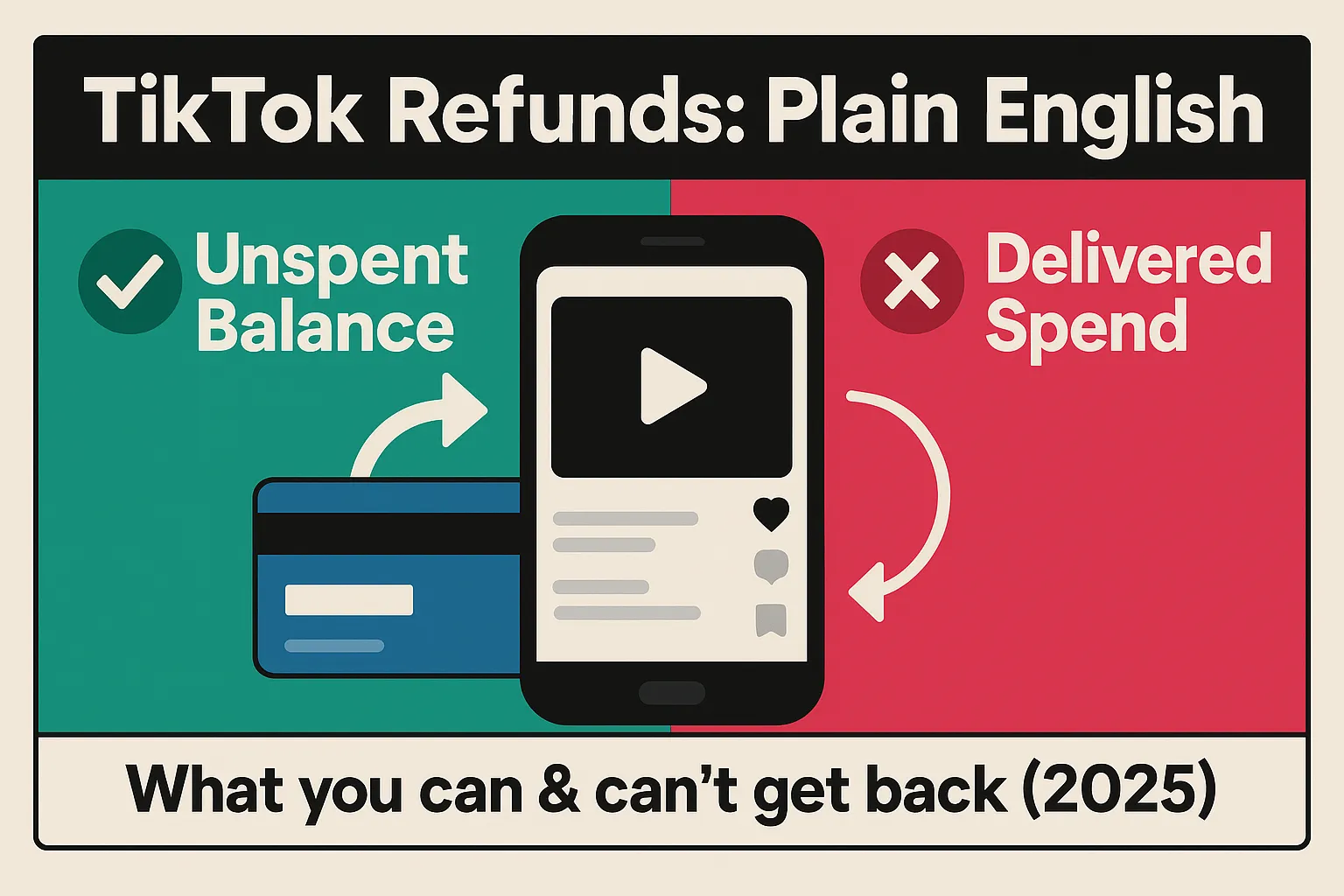
TikTok will refund your unspent ad balance—but almost never money that's already been spent, no matter how bad the results. Knowing your account type and the exact steps to follow can mean the difference between a full refund and losing it. We also cover the smarter move: stopping invalid traffic before it burns your budget in the first place.
TikTok's ads refund policy allows advertisers to recover unspent ad balances on eligible accounts—but money already spent on delivered campaigns is almost never refundable, regardless of how the ads performed. Understanding exactly where that line sits can save significant budget and avoid wasted support tickets in 2026.
TikTok supports Manual, Automatic, and Monthly Invoicing billing. Unspent-balance refund eligibility applies to Manual and Automatic payment accounts. Monthly Invoicing accounts have different reconciliation workflows — check with your account representative.
TikTok One — TikTok's creator collaboration and sponsorship platform — operates under its own Refund and Cancellation Policy, published separately in the TikTok Ads help center. If you book sponsored content or creator campaigns through TikTok One, those engagements are not governed by the standard Ads Manager refund rules.
Key TikTok One distinctions for 2026:

You cannot self-process refunds on suspended accounts. Contact your account manager or TikTok customer support; TikTok evaluates each case and makes a "reasonable determination" based on account history and applicable terms.
2026 update — potential service fee: TikTok's current terms for suspended or deactivated Commercial Accounts explicitly state that a service fee of up to 10% of the remaining prepaid balance may be charged where permitted by applicable local law. This fee does not apply to standard account closures in good standing — only to suspension-related refund cases where TikTok approves the request.
Ad Credits are promotional, time-limited, and governed by their own terms — they are not cash-refundable under any circumstances. Plan campaigns to use credits before their expiration date.
TikTok publicly states that it uses first-party and third-party solutions to address Invalid Traffic (IVT). In practice, however, refund eligibility for delivered spend affected by IVT is not guaranteed — cases are handled through support on a case-by-case basis, and self-serve policy pages do not promise credits for invalid traffic.
This is why prevention matters more than recovery:
Install Spider AF's detection script and enable hourly IP and device blocklists so known bad actors never see your TikTok ads. This keeps TikTok's delivery quality signals clean, protects your budget, and reduces reliance on reactive refund claims. For a step-by-step approach, see our fighting click fraud playbook.
Ensure your payment method and bank information are current. Outdated billing details are the most common cause of delayed legitimate refunds — TikTok cannot process returns to invalid or changed bank accounts.
When you suspect invalid traffic, export invalid click logs and campaign reports immediately. Document timestamps, IP addresses, devices, and placements — this data is what support teams need to evaluate an IVT claim. Spider AF generates audit-ready logs automatically. Learn more about how TikTok ad fraud works and what evidence to collect.
If you collect leads from TikTok, secure your client-side scripts and lead forms. Spider AF SiteScan continuously monitors third-party JavaScript on your site, flags unauthorized changes, and aligns with PCI DSS v4.0.1 client-side security expectations — protecting the post-click journey that TikTok's platform cannot see.
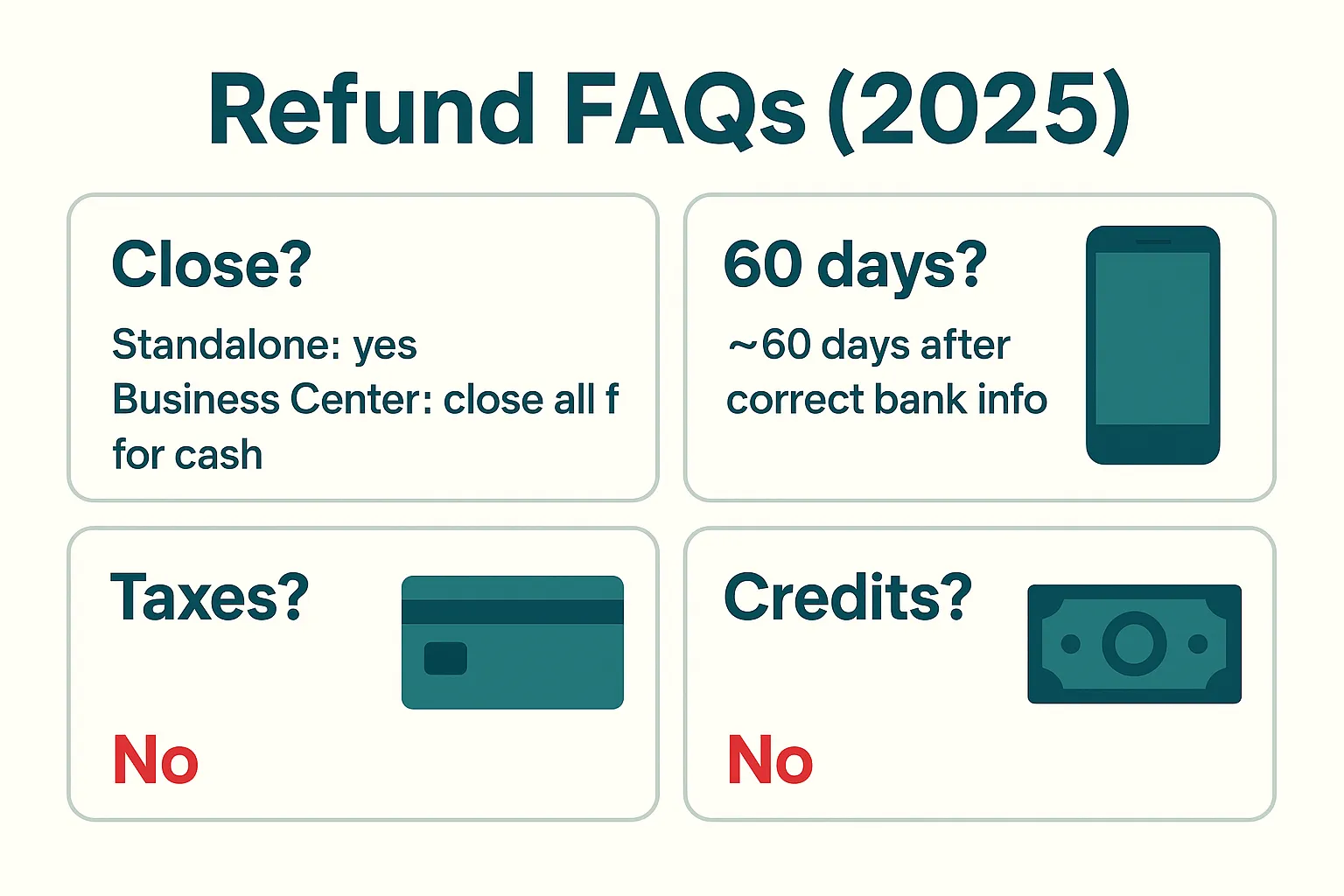
Standalone Ads Manager account: Yes — the refund flow closes the ad account and returns the unspent balance to your original payment method.
Business Center: To receive cash, you must close all associated ad accounts. Otherwise, you can transfer the balance internally between Business Center accounts without account closure.
TikTok states up to ~60 days after correct banking information is confirmed. If your refund hasn't arrived within that window, update bank details and open a support ticket referencing Tools → Account setup → Payment → Refund Information.
No. Refunds exclude previously paid taxes regardless of account type, billing method, or reason for closure.
No. Ad Credits are promotional, time-limited, and not cash-refundable under any circumstances. Plan to use them before they expire.
TikTok One (creator collaboration) has its own published Refund and Cancellation Policy — separate from standard Ads Manager rules. Refund eligibility depends on your specific agreement and how far in advance you cancel. Contact your TikTok One representative for the exact cancellation windows and any applicable service fees for your booking.
Yes. Under TikTok's 2026 terms for suspended or deactivated Commercial Accounts, a service fee of up to 10% of the remaining prepaid balance may be charged where permitted by applicable local law. Standard account closures in good standing are not subject to this fee.
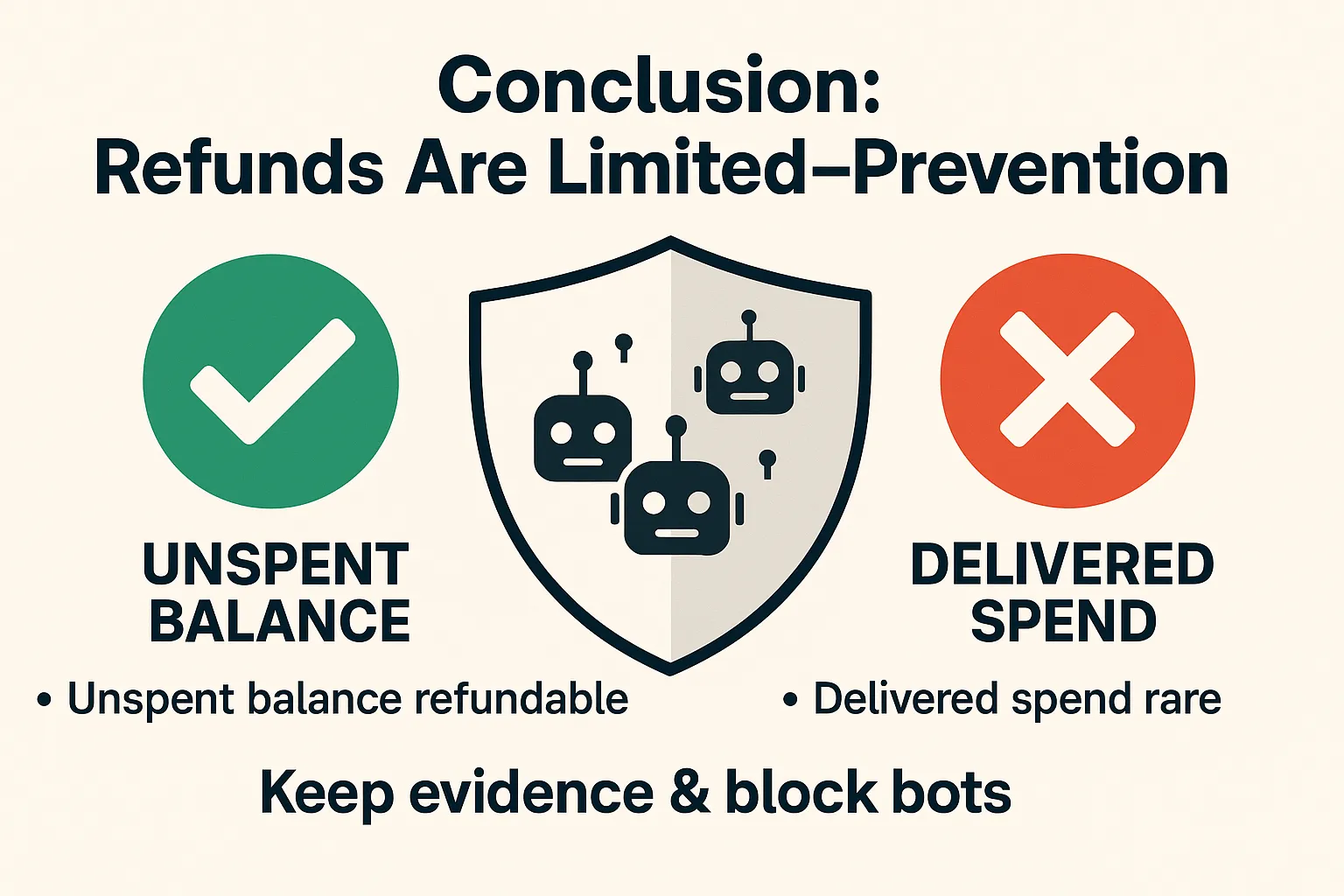
TikTok's refund rules are straightforward: unspent balances on eligible accounts can be recovered, but delivered spend is rarely refundable — and suspended accounts may face an additional service fee of up to 10%. TikTok One campaigns follow a separate policy entirely. Build a workflow that minimizes exposure upfront, preserves evidence when anomalies appear, and you'll almost never need to open a refund ticket.
Spider AF is your best safety net: block bots and invalid traffic automatically before spend is wasted, maintain auditable logs, and keep your TikTok delivery signals clean so you get the results you paid for.
PPC Protection — stop invalid clicks across Google, Meta, Microsoft, TikTok, and more. Start your free trial today.
Last updated: July 2026

MFA growth, AI-driven fraud risks, and how top advertisers are protecting their budgets. Free PDF!



.png)